Migration & Upgrades.
Whether you are moving from another CMS or rebuilding an outdated WordPress setup, we plan the migration around your existing content, data, URLs, functionality and integrations.
The goal is a cleaner WordPress platform with a controlled transition and a stronger technical foundation for future development.
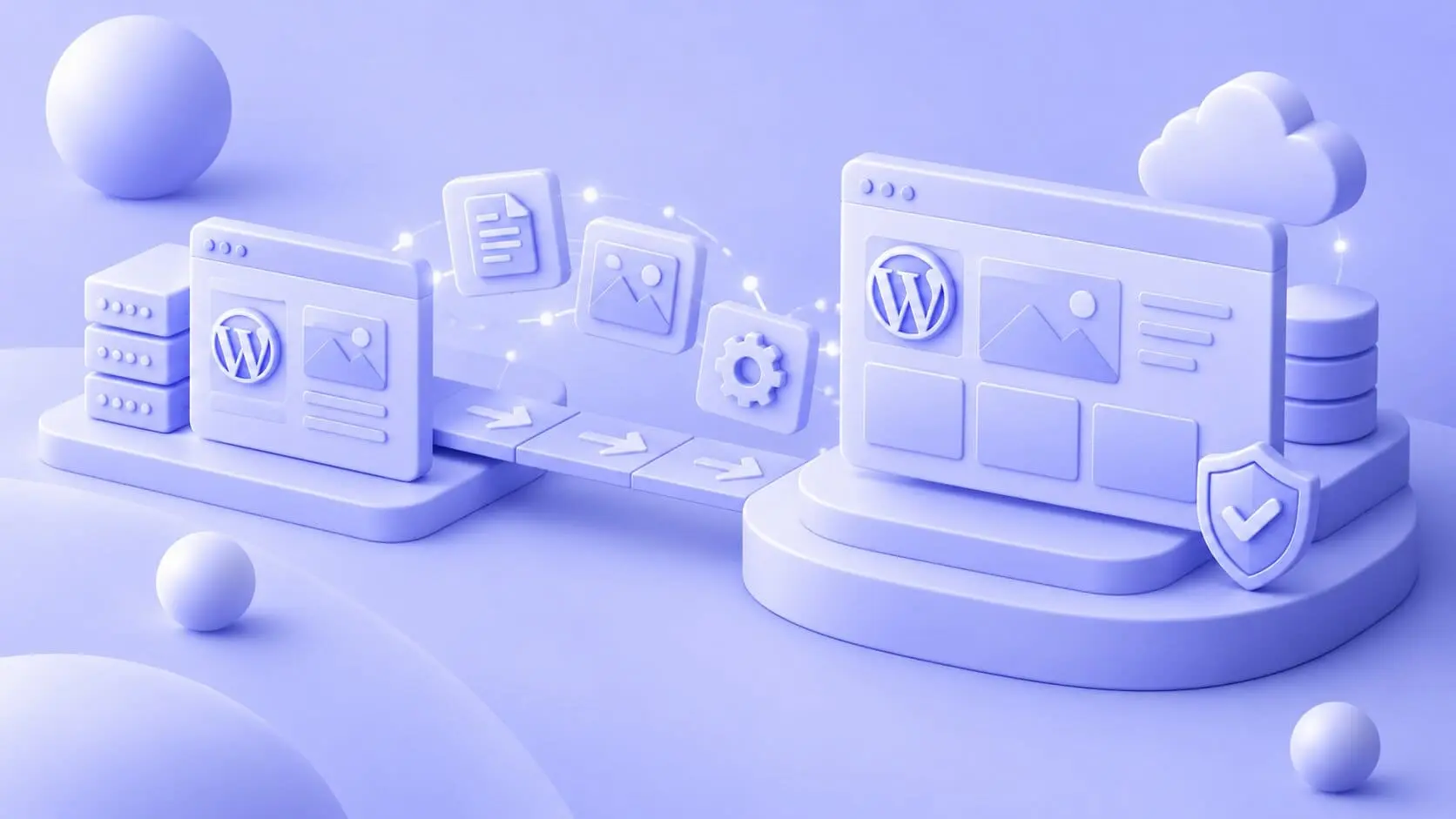
MIGRATION & MODERNISATION
We migrate websites and digital platforms from systems such as Drupal, Joomla, Magento, Umbraco, Shopify and custom CMS setups to WordPress. Before development begins, we map the existing content, users, URLs, integrations and functionality so the new platform accounts for what already exists. Content and data can then be moved systematically, with redirects, metadata and technical SEO handled as part of the transition. Integrations and custom functionality are reviewed to decide what should stay, change or be rebuilt.
Sometimes WordPress is already the right CMS, but the setup has become difficult to develop further. Outdated themes, legacy plugins, older PHP versions and accumulated technical debt can all hold the platform back. In those cases, we modernise the existing solution by rebuilding the custom WordPress theme, replacing outdated functionality and improving the database and codebase. The useful parts of the existing setup stay in place while the platform gets a cleaner foundation for continued development.
Pages, posts, media
and structured content.
Users, metadata
& custom records.
URL structures, redirects,
metadata and search visibility.
Existing features,
workflows and custom logic.
WordPress & external
system connections.
OUR PROCESS
A migration starts before anything gets moved.
A reliable migration depends on understanding the existing platform first.
We map what needs to stay, what needs to change and how the transition can happen with as little disruption as possible.
MIGRATION SCENARIOS
Different starting points require different migration plans.
The technical work depends on what you are moving away from, how much of the current setup should survive and what the new WordPress platform needs to support afterward.
Moving from another CMS
Moving from Drupal, Umbraco, Joomla, Magento, Shopify or a custom CMS requires a clear mapping between the old and new structures.
We identify what should be transferred, rebuilt or reorganised so content, users and important functionality have a defined place in WordPress.
Rebuilding an older WordPress site
An existing WordPress installation can often be modernised without treating the whole platform as disposable.
We review the theme, plugins, PHP version, database, backend structure and technical debt, then rebuild the areas that make the site difficult to maintain or extend.
Migrating complex data and functionality
Membership platforms, portals and other advanced solutions can contain considerably more than pages and images.
We plan migrations around structured data, users, custom functionality and connected systems, including any APIs and integrations that need to continue working after launch.
A migration often touches more than the CMS.
Moving or modernising a WordPress platform can affect its theme, custom functionality, integrations, performance, infrastructure and how the platform is maintained after launch. These expertise areas often become part of the wider migration project depending on what needs to change.
Rebuild the frontend without carrying old limitations forward.
If an existing theme has become difficult to maintain or no longer fits the way the organisation works, migration can be the right time to replace it.
We build custom WordPress themes around reusable components, structured content and an editor experience designed for continued development after launch.
Replace legacy functionality with something built for the new setup.
Older WordPress platforms often depend on plugins or custom functionality that no longer make sense to carry forward unchanged.
We develop custom WordPress plugins when business logic, workflows or functionality require a solution built specifically around the platform.
Reconnect the systems around WordPress.
CRM, ERP, PIM, payment platforms and other systems may need to be reconnected or rebuilt when the website architecture changes.
We develop and maintain API integrations that keep data moving reliably between WordPress and the systems around it.
Make performance and security part of the new foundation.
A migration creates an opportunity to address performance bottlenecks, outdated technical setups and security weaknesses instead of transferring them into the new platform.
We work with caching, databases, monitoring, access control and other technical measures as part of building a faster and more robust WordPress setup.
Make sure the infrastructure fits what comes next.
For larger or more demanding platforms, the hosting environment can be part of the migration itself.
We work with scalable cloud infrastructure, monitoring, backups and deployment setups for WordPress platforms that need more than conventional hosting.
Keep the new setup healthy after launch.
Once the migration is complete, the platform still needs updates, monitoring, testing and ongoing technical work.
We handle WordPress maintenance and optimization across updates, compatibility, performance, technical improvements and the day-to-day health of the platform.
Migration and rebuilds in practice.

FAQ
Questions about WordPress migration and upgrades.
A migration can affect content, SEO, data, integrations and day-to-day operations. These are some of the areas we normally clarify before development begins.
Yes. We work with migrations from platforms including Drupal, Joomla, Magento, Umbraco, Shopify and custom CMS solutions.
We first review the existing structure and determine how content, users, data, functionality and integrations should map into WordPress. The migration approach then depends on the complexity and volume of the existing platform.
Existing search visibility needs to be considered throughout the migration.
That includes mapping URLs, preserving important page structures where appropriate, preparing redirects when URLs change, transferring relevant metadata and testing the implementation before launch. The goal is to give search engines a clear path from the existing website to the new one.
Yes. A rebuild does not automatically mean replacing the entire platform.
If the existing backend, content structure, infrastructure or other parts of the solution are still suitable, they can remain while weaker areas are rebuilt. LE34 is one example where the existing WordPress backend and infrastructure were retained while the complete frontend and module system were replaced.
We start by defining the data structure and mapping where each type of information should live in the new solution.
For larger migrations, scripts can be used to automate transfers of users, content and structured data. Test migrations and validation then help identify missing records, incorrect mappings or other issues before the final production migration.
Existing integrations are reviewed as part of the technical analysis.
Some connections may be able to continue with relatively small changes, while others need to be rebuilt around the new WordPress architecture. We document the relevant data flows and test them before launch so systems such as CRM, ERP, PIM, marketing tools or other external platforms continue to exchange the required data.


