APIs & Integrations.
WordPress often needs to exchange data with the systems around it, from CRM and ERP to PIM, marketing platforms and payment services.
We build integrations that keep those systems connected through reliable, secure and maintainable data flows.
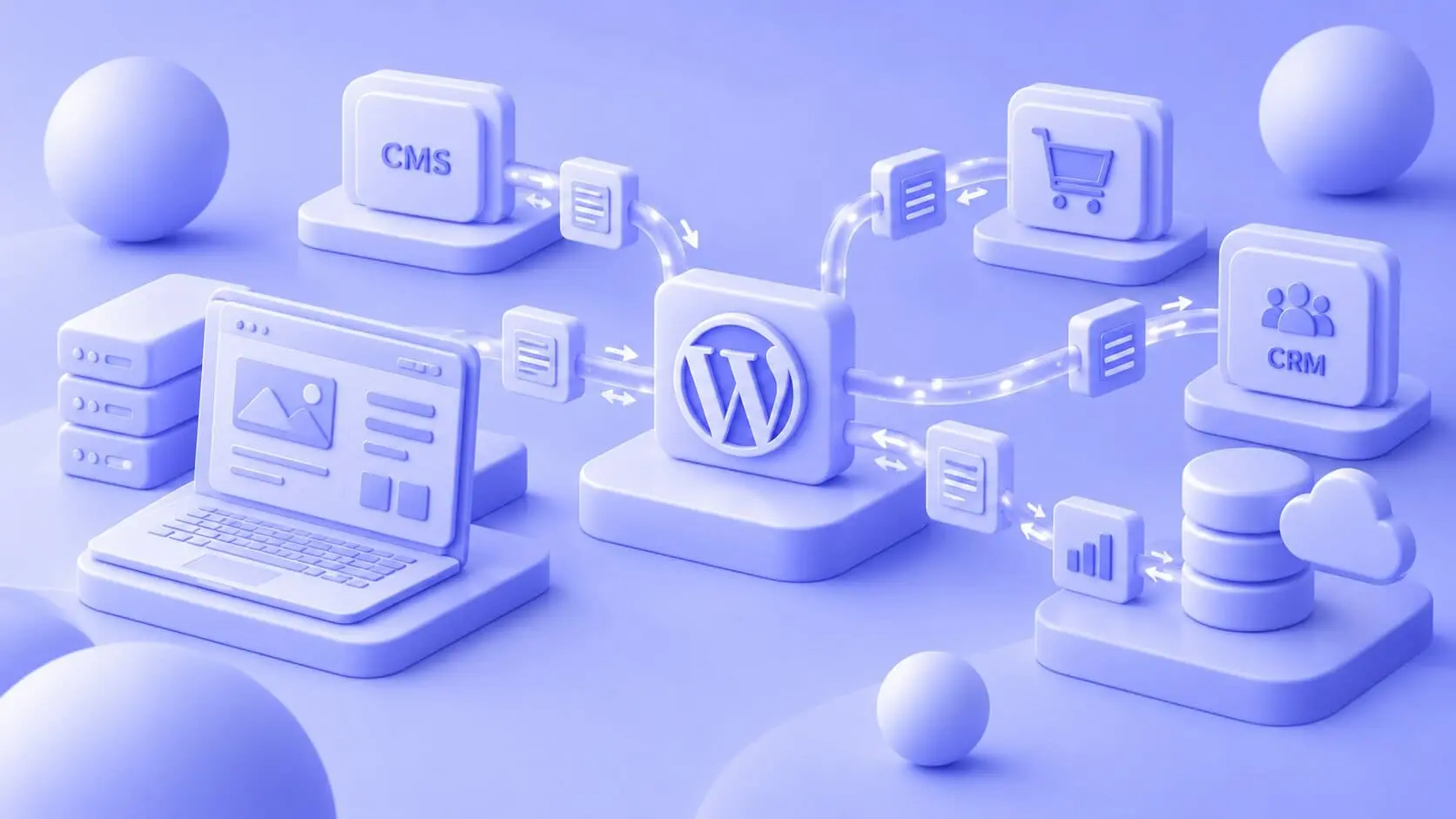
API & INTEGRATIONS
WordPress can sit at the centre of a much larger digital setup. Customer data may live in a CRM, products in a PIM, operational data in an ERP and assets somewhere else entirely. We connect those systems so information can move automatically between them, reducing duplicate work and keeping the website aligned with the data the business already uses.
The technical approach depends on the systems and how the data needs to move. We work with REST APIs, GraphQL and webhooks, with authentication, error handling and performance considered as part of the integration itself. The result is a documented connection that can be tested, monitored and maintained as the surrounding systems evolve.
Operational data
where it is needed.
Customer data kept in sync.
Products and assets
connected.
Less manual data handling.
Data flows kept visible.
OUR PROCESS
Reliable integrations start with understanding the data flow.
Before connecting anything, we map which systems are involved, what information needs to move and what should happen when something goes wrong.
INTEGRATION SCENARIOS
Connect the systems your business already relies on.
Different integrations solve different problems, from removing repetitive data entry to powering entire website experiences with information from external systems.
Synchronise business data
Customer, product or operational information often needs to exist across several platforms.
We connect WordPress with systems such as CRM, ERP, PIM and DAM platforms so the relevant data can be exchanged without teams maintaining the same information manually in several places.
Automate workflows between platforms
An integration can trigger actions as data changes, such as synchronising users, updating records or starting another process.
Where WordPress also needs custom business logic around those flows, the integration can work together with purpose-built plugin functionality.
Integrations depend on the wider WordPress setup.
Custom functionality, security, infrastructure and ongoing maintenance all affect how reliably connected systems operate. These expertise areas cover the technical layers around the integration.
Build the WordPress logic behind the integration.
An API handles communication between systems, while WordPress may still need custom logic for processing data, triggering workflows or controlling what happens after information arrives.
We develop custom plugins when that functionality needs a dedicated and maintainable place inside WordPress.
Keep connected systems fast and protected.
Integrations introduce authentication, requests and additional data processing into the platform.
We work with performance, access control and monitoring so those connections remain secure without creating unnecessary load or instability.
Give integration-heavy platforms enough capacity.
High request volumes, large datasets and frequent synchronisation can place additional demands on the infrastructure underneath WordPress.
We work with scalable cloud environments and monitoring when the platform needs to handle heavier workloads reliably.
Keep integrations working as systems change.
External APIs, authentication methods and platform versions continue to evolve after an integration launches.
Ongoing maintenance gives us a way to test changes, monitor connections and update the implementation when dependencies move.
Preserve important connections during a platform change.
A migration affects more than content when WordPress already communicates with business-critical systems.
We map existing integrations as part of the migration and determine which connections can remain, which need adjustment and which should be rebuilt.
Keep data and presentation in separate layers.
A custom theme controls how information is presented, while integrations handle where that information comes from and how it moves.
Keeping those responsibilities separate makes both the frontend and the underlying data architecture easier to develop.
WordPress integrations in practice.

API & INTEGRATIONS
Need WordPress to connect with another system? Talk to us about your integration.
Contact usFAQ
Questions about WordPress APIs and integrations.
Integrations involve data, access and systems that change independently. Here are some of the questions we usually cover first.
WordPress can connect with systems such as ERP, CRM, PIM, DAM, marketing automation, payment platforms and many other tools that provide an API or another suitable integration method.
We work with platforms across these categories, including systems such as Microsoft Dynamics, SAP, HubSpot, Salesforce, Akeneo and Cloudinary.
The choice depends on what data needs to move, how often it changes and which systems are involved.
REST works well for many standard request-based integrations, GraphQL can be useful where clients need precise access to structured datasets, and webhooks are useful when one system needs to react immediately to an event in another. We select the approach around the actual data flow rather than applying one architecture everywhere.
Authentication and permissions are considered as part of the integration architecture.
Depending on the systems involved, this can include OAuth 2.0, JWT, API gateways and restricted access scopes. Rate limiting and monitoring can also help protect the connection and surface unusual behaviour.
Integrations should be designed with failure in mind.
We include error handling and logging so failed requests can be identified and investigated. Depending on the workflow, the solution can also use retries, queues or other safeguards to prevent temporary problems from creating inconsistent data.
Yes. We can review an existing integration, its documentation, authentication, data flows and dependencies before taking responsibility for it.
From there, we can maintain the current implementation, address reliability or performance issues, or rebuild parts of it where the existing architecture has become difficult to support.


