DEVELOPMENT • WORDPRESS • MULTISITE

Multiple websites
with one technical
foundation.

Organizations managing multiple brands, regions, or departments often reach a point where separate WordPress installations create unnecessary overhead. Multisite brings them into one shared setup with centralized governance, while each site keeps its own content, design, domain, and editorial team.

The architecture works well when it is planned correctly from the start. At Webnorth, we design and build Multisite networks for organizations that need centralized control without sacrificing per-site flexibility.

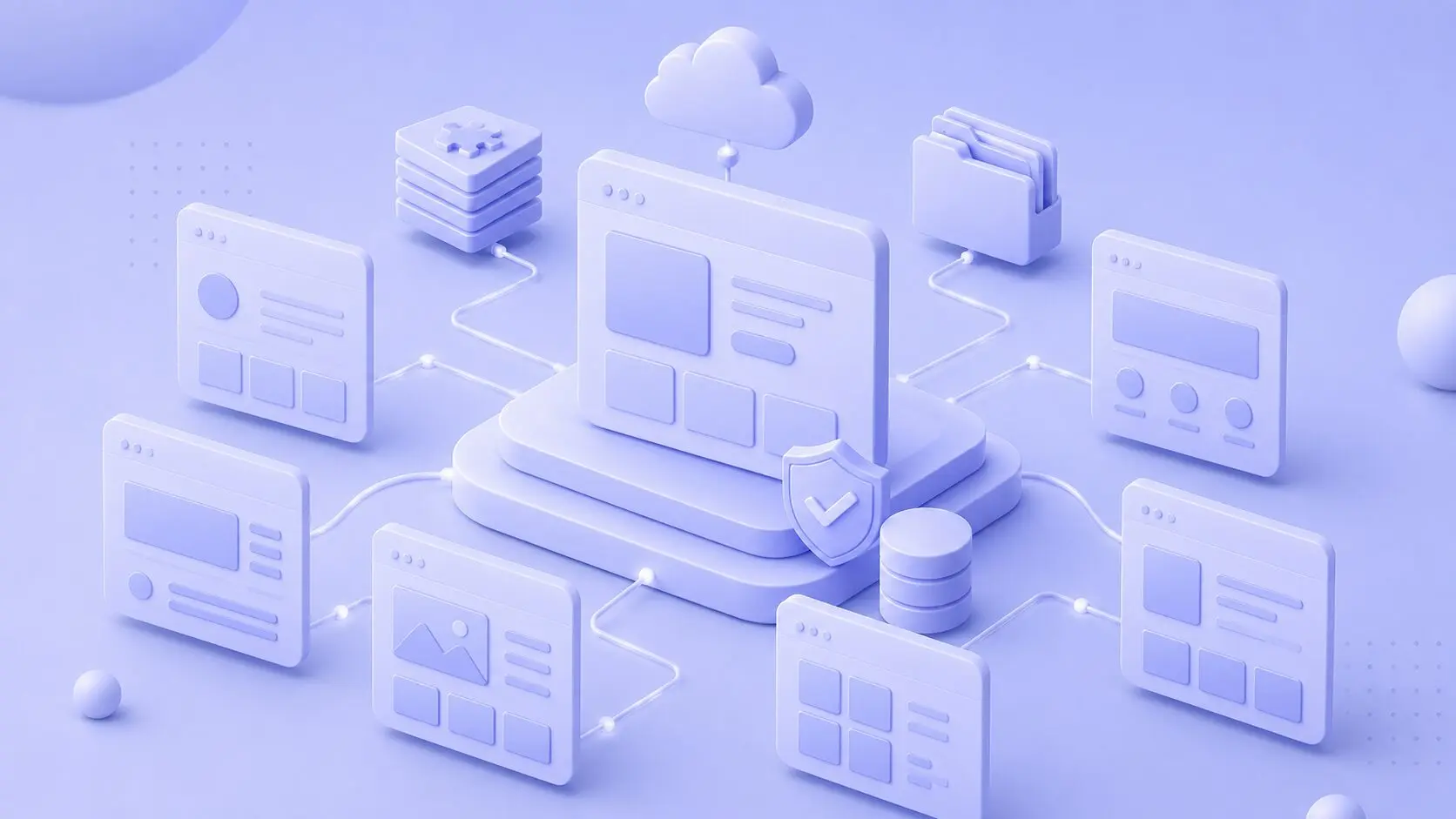
3D illustration of a WordPress multisite network with connected websites, cloud storage, databases, and secure centralized management.

ARCHITECTURE DECISION

When Multisite is the right choice for your organization.

Multisite works well for organizations that manage multiple WordPress sites with enough in common to benefit from shared infrastructure.

The decision depends on how much the sites share, how the teams behind them work, and how the network is expected to grow.

Multi-brand organizations
Managing multiple brands on separate WordPress installations creates duplicated updates, hosting, and rebuilding shared components.

Multisite brings this into one installation while each brand keeps its own domain, design, and editorial team.
International and regional sites
Organizations managing regional websites often face the same challenge: separate sites that must stay consistent while being maintained independently.

Multisite gives regional teams editorial freedom while governance, updates, and hosting stay centralized.
Mixed permanent and campaign sites
Organizations running permanent and campaign sites benefit from Multisite because new subsites can be added without a new build.

Campaign sites inherit shared infrastructure, launch faster, and can be removed without affecting the network.
Centralized governance, distributed editing
When multiple editorial teams manage their own content but central oversight is needed, Multisite creates a clear separation.

Network admins control the framework while site admins manage content independently.
Growing networks
For organizations adding sites regularly, Multisite removes the overhead of creating new installations.

New subsites inherit shared infrastructure and become content-ready faster while the network scales efficiently.

TECHNICAL MULTISITE DEVELOPMENT

Architecture decisions that
shape Multisite performance
and scalability.

On a standalone WordPress site, many structural decisions can be adjusted after launch. In a Multisite network, the foundational choices made before the first subsite is configured tend to lock in. Changing the network type, domain mapping, or user model later requires far more effort than getting it right from the start.

That is why our work begins with mapping what the network needs to support now, what it must accommodate as it grows, and which early choices could create technical debt.

A Multisite build typically includes the following areas:

  • Network structure Shared component library Role and access control
  • Domain mapping Per-site branding User login logic
  • SSL configuration Component availability Editorial workflow setup
  • Routing and redirects Network plugin strategy SEO and hreflang
  • Multisite theme architecture MU-plugin functionality Staging and deployment
PERFORMANCE

Hosting a Multisite network is not the same as hosting a single site.

A Multisite network shares one WordPress installation across multiple subsites, so infrastructure issues scale quickly. A traffic spike, plugin update, or weak caching setup can affect more than one site at once.

The infrastructure behind the network determines whether it stays fast and reliable as it grows, or becomes a bottleneck for the organization.

Per-site caching
Redis and full-page caching per subsite
Data structure
Built for growing networks and content volume
Cloud scaling
Google Cloud resources scale with traffic
Update testing
Tested across the network before deployment

CONTACT US TODAY

Do you want help planning your Multisite architecture?


    PROCESS

    From planning to a stable Multisite network.

    A Multisite network requires more planning than a standalone WordPress site. Once content and editorial workflows are in place, early structural decisions are hard to reverse.

    Our process front-loads those decisions, documents them, and builds everything else around that foundation.

    1
    3D illustration of a connected digital workflow with analytics, cloud systems, integrations, scheduling, and process management tools.
    Discovery and requirements mapping
    We define how many subsites the network needs now and in the coming years, along with ownership, integrations, and shared vs. site-specific content.

    This determines whether the structure can scale and if Multisite is the right fit.
    2
    3D illustration of a digital product development workflow with wireframes, UI design, coding, integrations, and system architecture.
    Architecture decision
    We define the network type (subdomain or subdirectory structure), domain mapping, plugin and theme management, user roles, and content model for each subsite.

    This specification is documented and signed off before development begins. Architecture changes after this phase require significant rework.
    3
    3D illustration of a layered digital infrastructure with connected databases, cloud systems, workflows, and content management components.
    Development
    We build the Multisite theme, configure network functionality, set up editorial components, staging, and integrations.

    Development follows the architecture specification, not improvisation.
    4
    3D illustration of a content-to-code workflow connecting design layouts, frontend development, and modular interface components.
    QA and testing
    We test functionality across subsites, editorial workflows, updates, and performance under realistic conditions.

    We also validate updates in staging and document rollback procedures.
    5
    3D illustration of a WordPress platform connected to plugins, cloud services, databases, code integrations, and content management tools.
    Launch and ongoing operations
    We handle launch, content migration, and production setup. After launch, the solution can move into a service agreement covering updates, monitoring, and ongoing support.

    Adding new subsites becomes an operational task rather than a development project.
    SERVICE

    A Multisite network needs ongoing technical ownership.

    After launch, Webnorth can take technical ownership of the Multisite network through a service agreement. We handle update testing, new subsite setup, performance monitoring, security patches, and architecture adjustments as the organization grows.

    The work is managed through a shared service board with a dedicated Customer Care Manager, developer access, and DevOps support, so both teams have clear visibility into tasks, status, and priorities.

    Learn about our WordPress service agreement
    WordPress - Maintenance & Support - Link

    What our customers say about Webnorth.

    A high-tech platform only creates value when it supports the business behind it. Success is measured through the stability and growth it creates for our clients, alongside technical performance.

    RELATED SERVICES

    When the setup needs more than a Multisite network.

    Some organizations need a Multisite network as a standalone solution. Others need Multisite as one part of a larger infrastructure requirement. The modules below cover adjacent areas where your setup might extend beyond what a Multisite network alone provides.

    Choose the area that best fits your next step.

    WordPress for larger organizations and complex requirements.

    For organizations with greater needs around governance, security, performance, integrations, scalability, and long-term technical operations.

    MULTILINGUAL

    Multisite and multilingual are related but distinct
    requirements. An organization might use Multisite for
    brands without multilingual needs, or multilingual
    without Multisite, or both together. The right
    architecture depends on how your editorial teams
    work and how much each language market needs
    independence.

    Each language version can run as its own subsite
    within the network, with content managed separately
    per language and shared theme infrastructure at the
    network level. This works well when different language
    markets have different editorial teams or different
    content strategies. WPML’s network license keeps
    language management coordinated while allowing
    per-site flexibility.

    When one site serves multiple languages with shared content and editorial workflows, a single WordPress site with WPML language management is often simpler than Multisite. Content editors manage all languages from one backend, with shared content types and centralized publishing workflows. This approach works well for organizations where language versions are translations rather than localized content strategies.

    Whether language versions are handled as Multisite subsites or within a single site, correct hreflang implementation and per-language sitemap configuration are essential for search engine performance. We build hreflang into the architecture from the start. We use WPML as our primary tool for multilingual WordPress, with the approach decided during discovery before any build begins.

    TECHNICAL WORDPRESS PARTNER

    Why choose Denmark’s leading WordPress agency?

    We have set out to redefine what businesses can expect from a technical partner. Learn more about our philosophy, our position in the Danish digital landscape, and why IT managers and marketing directors choose us when the solution needs to work right the first time.

    Learn more
    Denmarks-Leading-WordPress-Agency-Link

    TECHNICAL ASSESSMENT

    Already running a Multisite setup?

    If your existing Multisite network is hard to maintain, underperforming, or unclear in its architecture, we review the setup and identify what needs attention.

    Our Tech Lead and Senior Developer assess the technical structure, codebase, performance, security, updates, and governance, then give you a clear overview of the risks and improvement opportunities.

    Get a technical assessment
    SOLUTIONS AND EXPERTISE

    WordPress solutions for Multisite and beyond.

    We work with WordPress across multiple solution types and technical focus areas. A Multisite network is one architecture choice. Depending on your organization’s structure, growth plans, and technical requirements, other approaches may complement or expand the network.


    Below you can explore the areas where a Multisite foundation connects to broader WordPress capability.

    FAQ

    Questions about WordPress Multisite.

    Here you will find answers to common questions we hear when organizations are evaluating whether Multisite is right for their situation, assessing their current setup, or planning a new network.